Connecting External Audio Sources to Sonos
Published 2025-12-23
Sonos is brilliant for streaming. It is less obvious how it behaves when you introduce traditional audio sources like record players, CD decks, TVs, games consoles, or tape decks. You can do it, but only in specific ways and with important limitations.
Quick answer: the three ways external audio enters Sonos
There are three routes: line-in via Port or Amp, line-in via Five or Era 100/300, or TV input via a Sonos soundbar or Amp (HDMI ARC or optical).
Option 1: Sonos Port or Sonos Amp (the proper way)
This is the most flexible and stable solution for hi-fi gear. Port injects line-level audio into Sonos. Amp does the same and powers passive speakers.
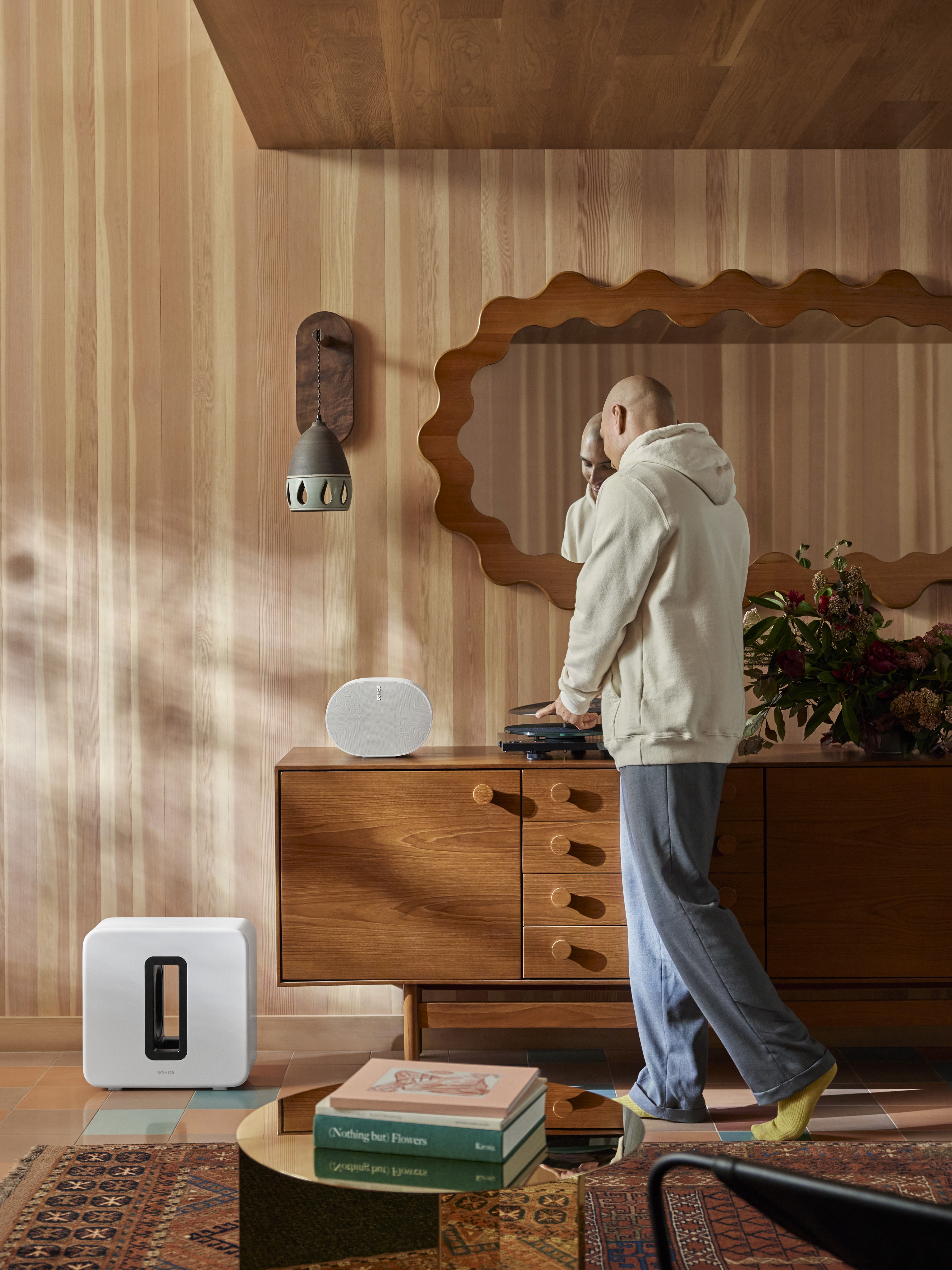
What you can connect
Turntables, CD players, tape decks, DACs, and TV audio via HDMI on Amp are all fair game.
Once audio enters via Port or Amp, it can be played in one room or grouped to multiple rooms.
Step-by-step: turntable via Sonos Port
- Check if your turntable has a built-in phono preamp.
- If not, add a phono preamp (the number one missed step).
- Turntable → preamp → Port line-in (RCA).
- Sonos app → Settings → System → Port room → Line-In.
- Name the source, set autoplay if desired, adjust line-in sensitivity.
Start playback in the Sonos app, then group rooms as needed.
Using a Sonos Amp instead
Same process, plus Amp powers passive speakers directly and supports HDMI ARC for TV audio. If you already own passive speakers, Amp is often the smarter buy.
Expectations to manage
Grouped rooms will have slight latency, the source room stays tightest, and Sonos prioritises stability over zero-latency playback.
Option 2: Era 100 / Era 300 / Five as line-in hubs
The Sonos Five has a 3.5 mm line-in jack. Era 100 and Era 300 support analogue line-in via the official USB-C line-in adapter. This makes them viable external-audio entry points alongside Port and Amp.
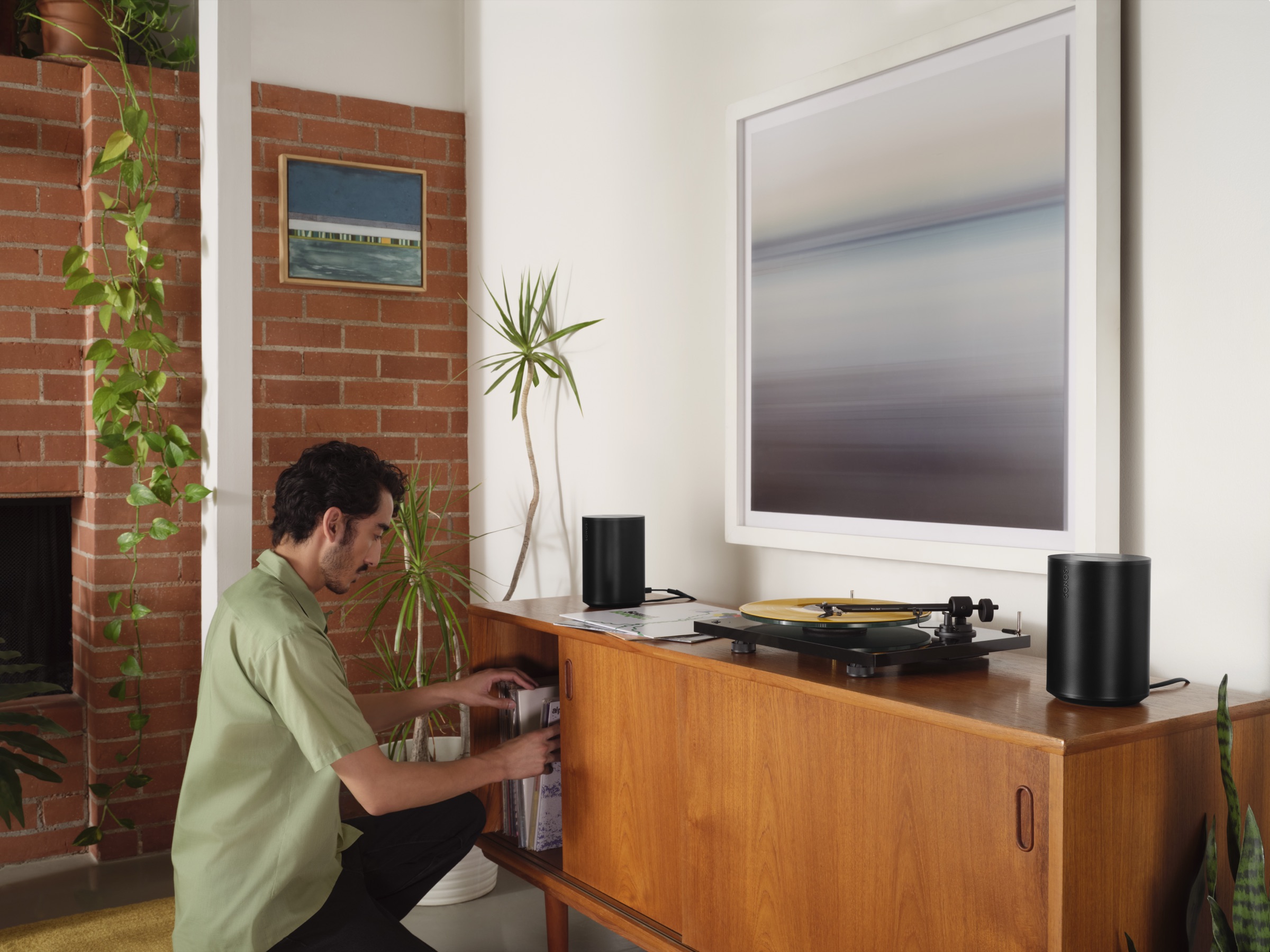
How Era line-in works
Audio enters via USB-C, requires the official Sonos USB-C line-in adapter, and the adapter converts analogue to digital before Sonos playback.
Step-by-step: turntable → Era 100 / Era 300
- Check for a built-in phono preamp on your turntable.
- If needed, add a phono preamp.
- Turntable → preamp → USB-C line-in adapter (RCA or RCA-to-3.5 mm).
- Plug the adapter into the Era speaker.
- Sonos app → Settings → System → Era room → Line-In.
Name the source, set autoplay if desired, and adjust line-in sensitivity.
When this option makes sense
This is best for one external source in one room, minimal cabling, and modern Sonos-first homes where the source lives next to the speaker.
Option 3: TV audio (soundbars vs Amp)
TV audio is not the same as line-in. There are two approaches: Sonos soundbars or the Sonos Amp with passive speakers.
A) Sonos soundbars (Beam, Arc, Ray)
Connects to the TV via HDMI ARC or eARC (or optical), keeps the main room in sync, and introduces a small, unavoidable delay in grouped rooms.
B) Sonos Amp for TV audio
HDMI ARC goes into the Amp, the Amp powers left and right speakers, and optional surrounds and Sub stay in sync in the TV room. Grouped rooms still have slight latency.
What you cannot do
You cannot send TV audio to other rooms with zero delay, sync Sonos perfectly with non-Sonos speakers, or eliminate buffering on grouped rooms.
Port vs Amp vs Era vs Five (decision table)
| Option | Best for | Limitations |
|---|---|---|
| Port | Multiple sources, rack-based hi-fi, central hub | Requires external amp or powered speakers |
| Amp | Passive speakers + TV + music in one box | More expensive, one-zone output |
| Era 100 / Era 300 | Single source in one room, modern setups | Requires USB-C adapter, not a system hub |
| Five / Play:5 | Single room with direct line-in | Physically large, one source only |
Common problems (and fixes that work)
There is a delay in other rooms
Expected. Grouped rooms always buffer slightly. Keep vinyl in the main room if it bothers you.
My turntable sounds quiet or distorted
Almost always a missing or mis-set phono preamp. Check PHONO/LINE switch and power.
Line-in does not start automatically
Set Autoplay Room in the Line-In settings for the device.
TV audio is out of sync in other rooms
That is normal buffering. Keep TV audio local if lip sync matters.
USB-C line-in limitations (FAQ)
Can I use any USB-C cable for Era line-in?
No. You need the official Sonos USB-C line-in adapter because it contains the analogue-to-digital hardware.
Does USB-C line-in remove latency?
No. Grouped rooms still have a small delay. The source room is tightest.
Can I connect multiple sources to one Era speaker?
Not easily. Line-in is single-source at a time. Use Port or Amp for multi-source setups.
Choosing the right option (quick guide)
Choose Port for a central hub with multiple sources, Amp for passive speakers plus TV and music in one box, and Era 100/300 or Five when you only need one source in one room.
Once you understand how external audio enters Sonos, you stop fighting latency that cannot be removed and choose the right hardware once. Sonos is not a zero-latency matrix, but within its rules it is rock solid.
Ready for a plan you can trust?
Build a tailored Sonos setup in minutes. No guesswork, no overspend.
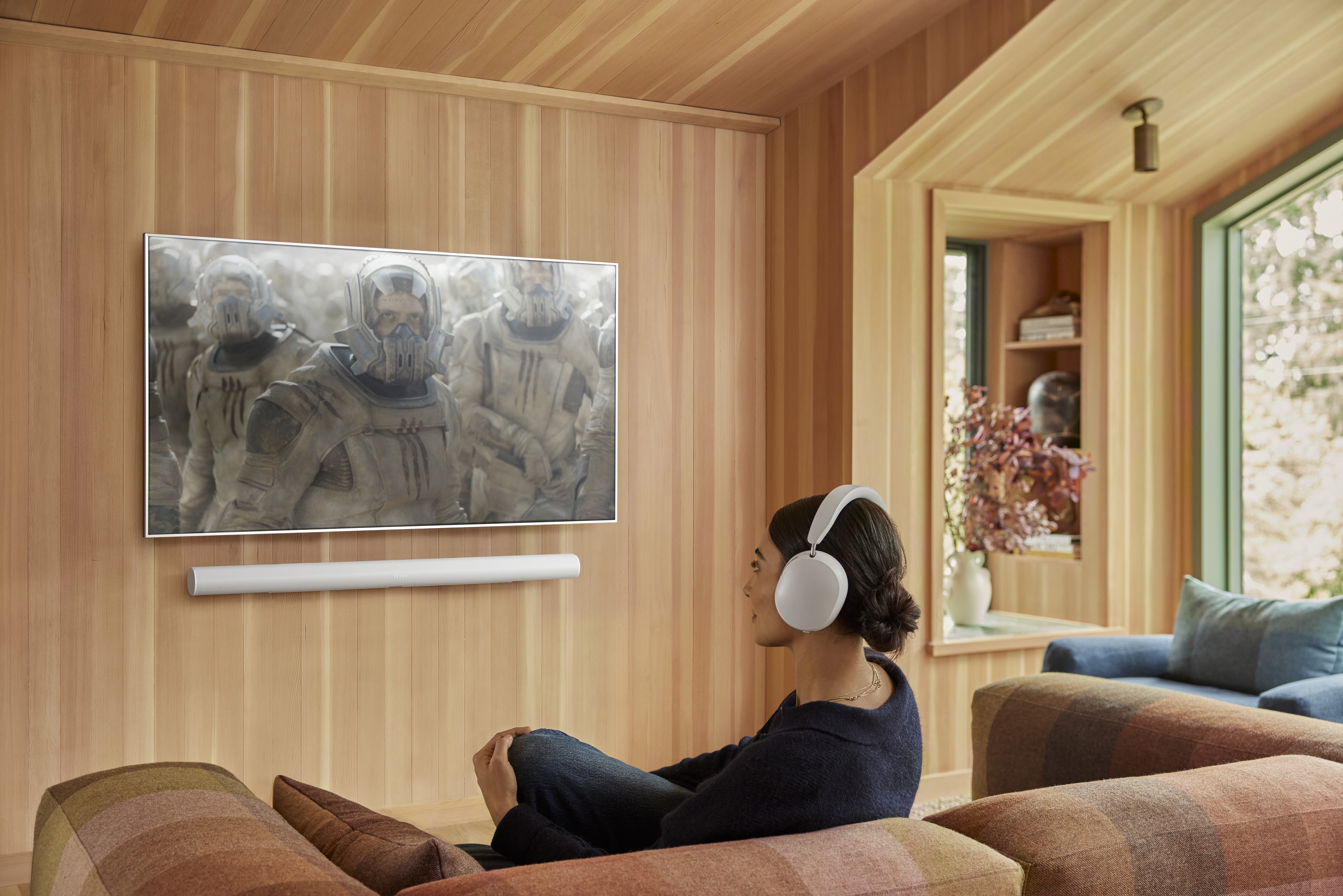
Plan your Sonos system with confidence
Use the Sonos Properly planner to build a system that fits your rooms and the way you listen.
- A tailored system plan that fits your rooms and listening style.
- A value-led alternative that respects budget without cutting corners.
- An Ultimate option for maximum impact and future flexibility.