How to Tune Your Sonos Speakers with Trueplay
Published 2025-12-23
If you have ever thought "my Sonos sounds good, but not quite right", Trueplay is almost always the missing step. Done properly, it improves clarity, bass control, and balance. Done badly, it can make things worse.
Quick steps: how to Trueplay Sonos (snippet-ready)
- Open the Sonos app.
- Settings → System → select your room.
- Tap Trueplay and follow the on-screen instructions.
- Tune at normal listening volume in a quiet room.
- Move slowly and cover the main listening area.
What Trueplay actually does (plain English)
Trueplay measures how sound reflects around your room and adjusts the speaker output to compensate. It uses the microphone on an iPhone or iPad, test tones, and your movement to map reflections and bass build-up.
- EQ changes tailored to your room.
- Timing adjustments for better balance.
- Room-specific tuning profiles.
It is physics plus software, and results depend on how you run it.
Important limitations before you start
You need an Apple device
- Trueplay requires an iPhone or iPad on a recent iOS version.
- Android devices are not supported due to microphone variation.
- Borrow an iPhone for 10 minutes if needed. The tuning stays.
Trueplay is not set-and-forget forever
Re-tune if you move furniture, change placement, add a Sub, or move house.
Before you press Start Tuning
1) Place the speaker properly first
- Put the speaker where it will actually live.
- Do not hold it in your hands or move it for testing.
- Tune reality, not wishful thinking.
2) Make the room quiet
- Avoid TVs, dishwashers, washing machines, and talking.
- Quiet room equals better calibration.
3) Set volume to normal listening level
- Not near-silent, not party loud.
- Tune for how you actually listen.
How to move during Trueplay (this is the key)
Move slowly. Slower than you think. Most bad Trueplay results come from rushing the movement phase.
- Walk slowly and move your arm smoothly.
- Avoid sudden direction changes.
- Cover the areas where you actually sit or work.
- Hold the phone upright with the microphone pointing up.
Tuning different Sonos setups properly
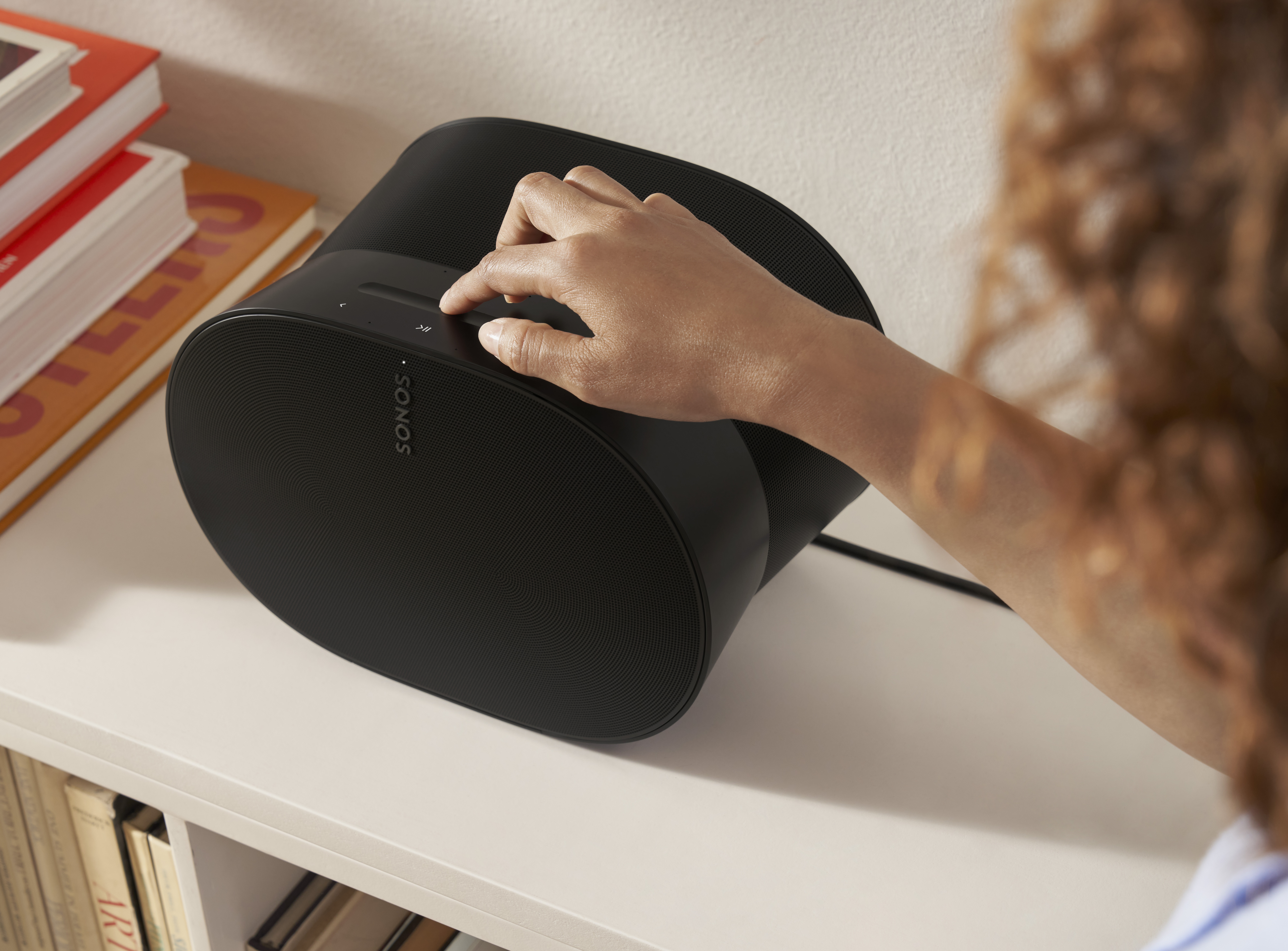
Single speaker (One, Era 100, Five)
- Trueplay helps bass control and reduces harsh reflections.
- After tuning, adjust bass down 1 to 2 steps if needed.
Stereo pair
- Balances left and right output and improves center image.
- Do not tune with one speaker blocked by furniture.
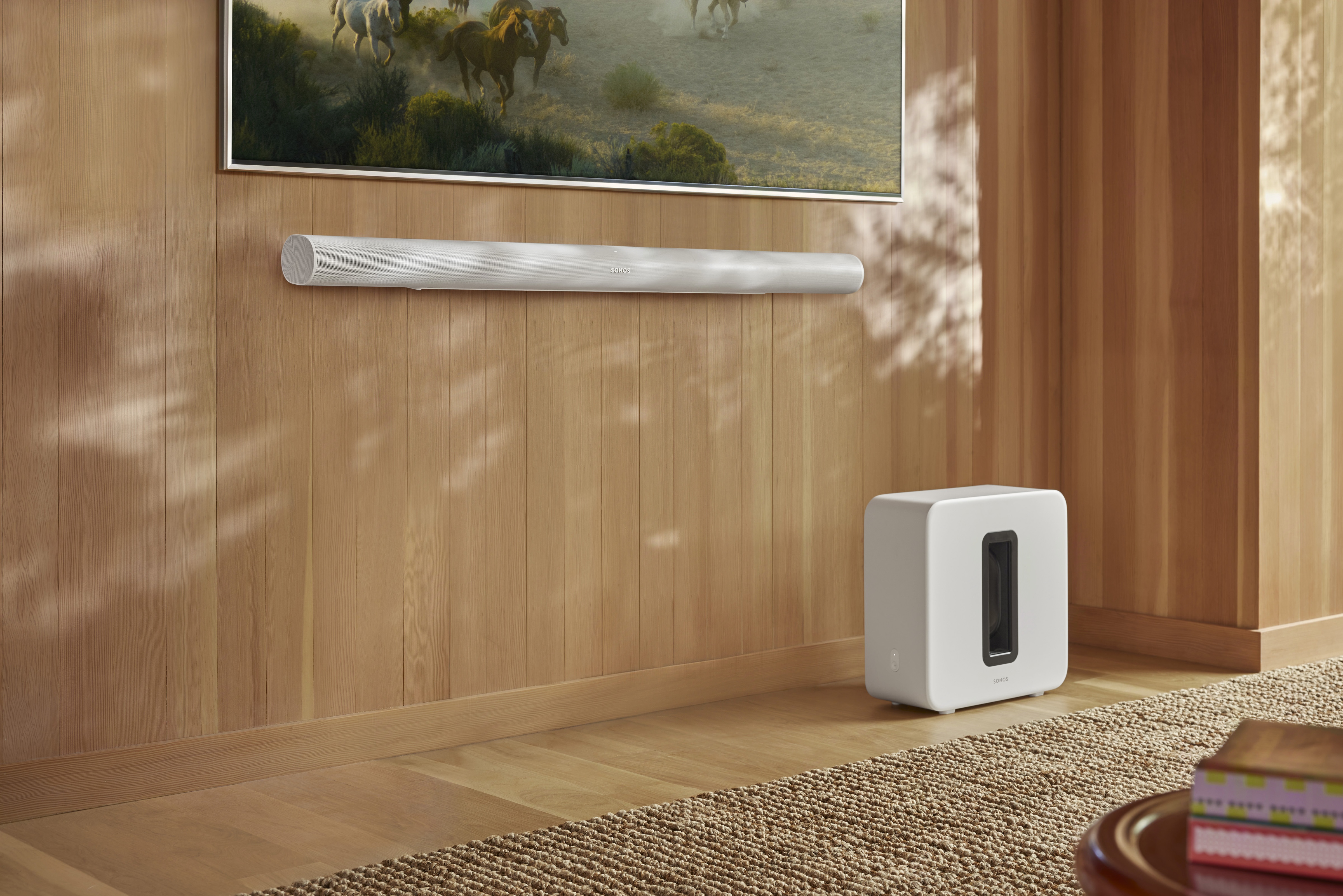
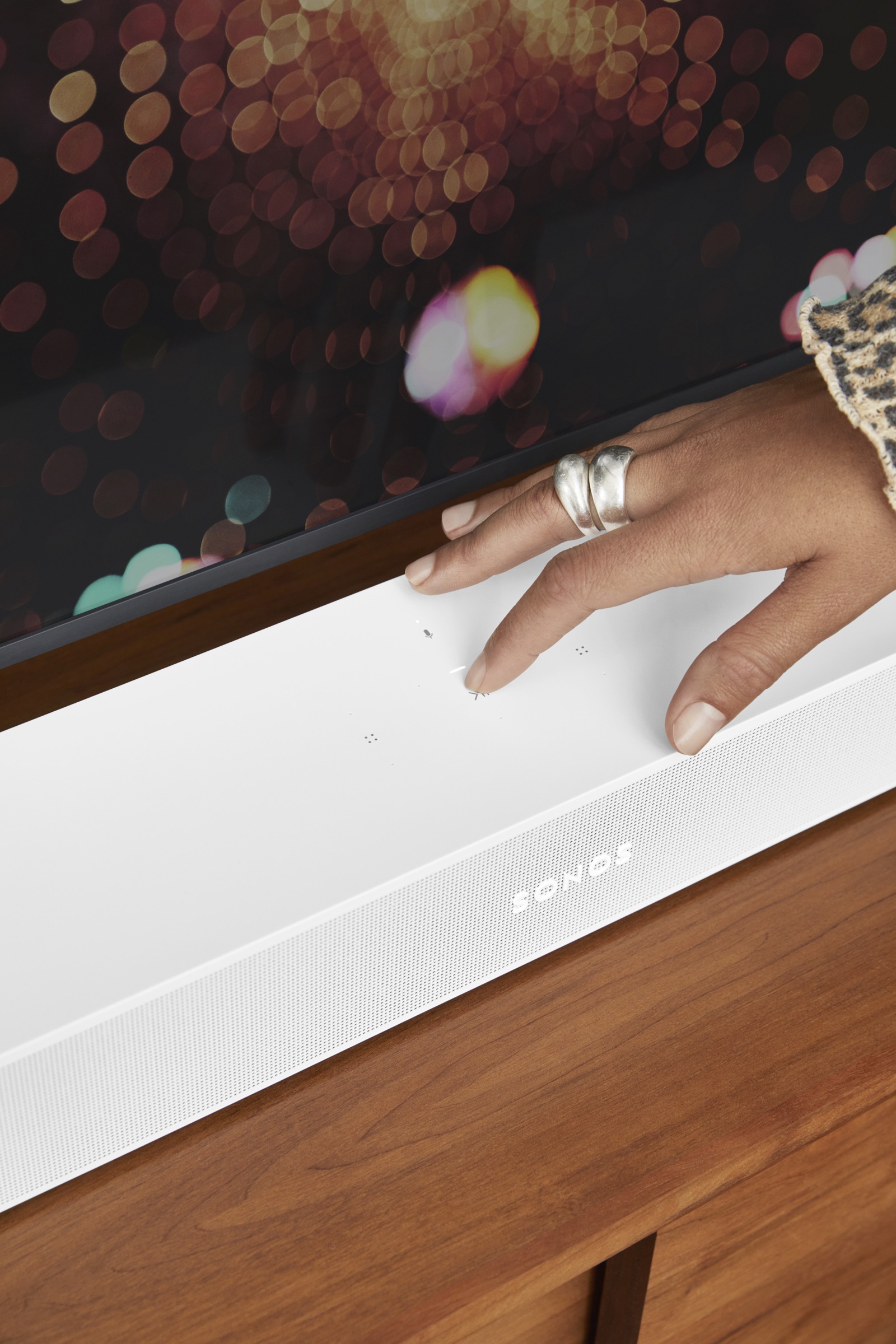
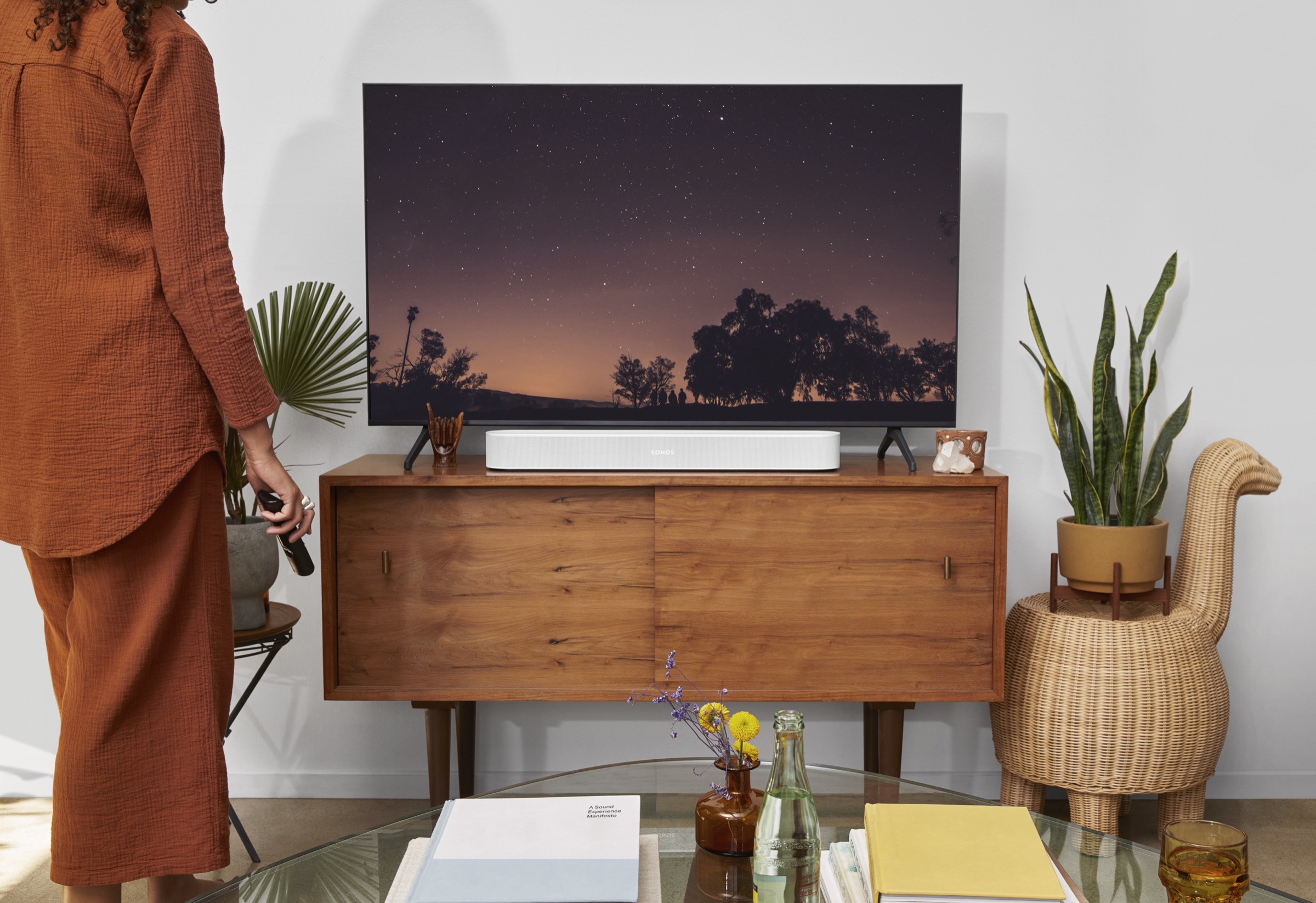
Soundbars (Beam, Arc, Ray)
- Expect clearer dialogue and better bass control.
- Enable Speech Enhancement if dialogue still feels recessed.
- For late viewing, use Night Mode after tuning.
Surround systems (soundbar + surrounds + Sub)
- Set up all speakers first, then run Trueplay once.
- Re-tune after adding a Sub or surrounds.
Trueplay vs manual EQ (comparison)
| Option | Best for | Limitations |
|---|---|---|
| Trueplay | Room-specific balance and clarity | Requires iPhone or iPad |
| Manual EQ only | Quick bass or treble tweaks | Cannot correct reflections or timing issues |
| Trueplay + manual EQ | Best overall control for small rooms | Requires a bit of fine-tuning |
Before vs after: what should change
- Clearer vocals without raising volume.
- Less bass boom near walls.
- More even sound across the room.
- Fewer hot spots and dead spots.
Trueplay is about balance, not hype. Do not expect a louder system.
Common Trueplay mistakes (and fixes)
It sounded better before
- Room was noisy.
- Movement phase was rushed.
- Placement changed after tuning.
Fix: re-run Trueplay, slow down, and reduce bass slightly after tuning.
Bass is still too heavy
Lower bass manually by 1 to 3 steps. This is normal in small rooms.
Dialogue still is not clear
- Enable Speech Enhancement.
- Check TV audio output settings.
- Avoid placing the soundbar inside cabinets.
FAQ: Trueplay basics
How do you Trueplay Sonos speakers?
Open the Sonos app, go to Settings, select your room, tap Trueplay, and follow the instructions.
Can I use Trueplay on Android?
No. Borrow an iPhone or iPad for a quick tune, then keep the settings.
When should I re-tune?
After moving furniture, changing speaker placement, or adding a Sub or surrounds.
Trueplay is one of the few things Sonos offers that costs nothing and delivers a real, audible improvement. If you care about sound even casually, it is worth 10 focused minutes.
Ready for a plan you can trust?
Build a tailored Sonos setup in minutes. No guesswork, no overspend.
Plan your Sonos system with confidence
Use the Sonos Properly planner to build a system that fits your rooms and the way you listen.
- A tailored system plan that fits your rooms and listening style.
- A value-led alternative that respects budget without cutting corners.
- An Ultimate option for maximum impact and future flexibility.