How to plan a Sonos system for TV and music
Published 2025-12-21
Planning a Sonos system that works equally well for TV and music is where most people go wrong. The needs of television audio and whole‑home music are fundamentally different, and treating them as the same problem almost always leads to compromise.
A good Sonos setup respects the role of the TV without letting it dictate every decision across the home. The key is to anchor the system around your main screen, then build music-first spaces that work independently but still feel connected.
This guide walks through how to balance those priorities properly, without overspending, overcomplicating, or locking yourself into a system that only works in one mode.
1. Start with the main TV room
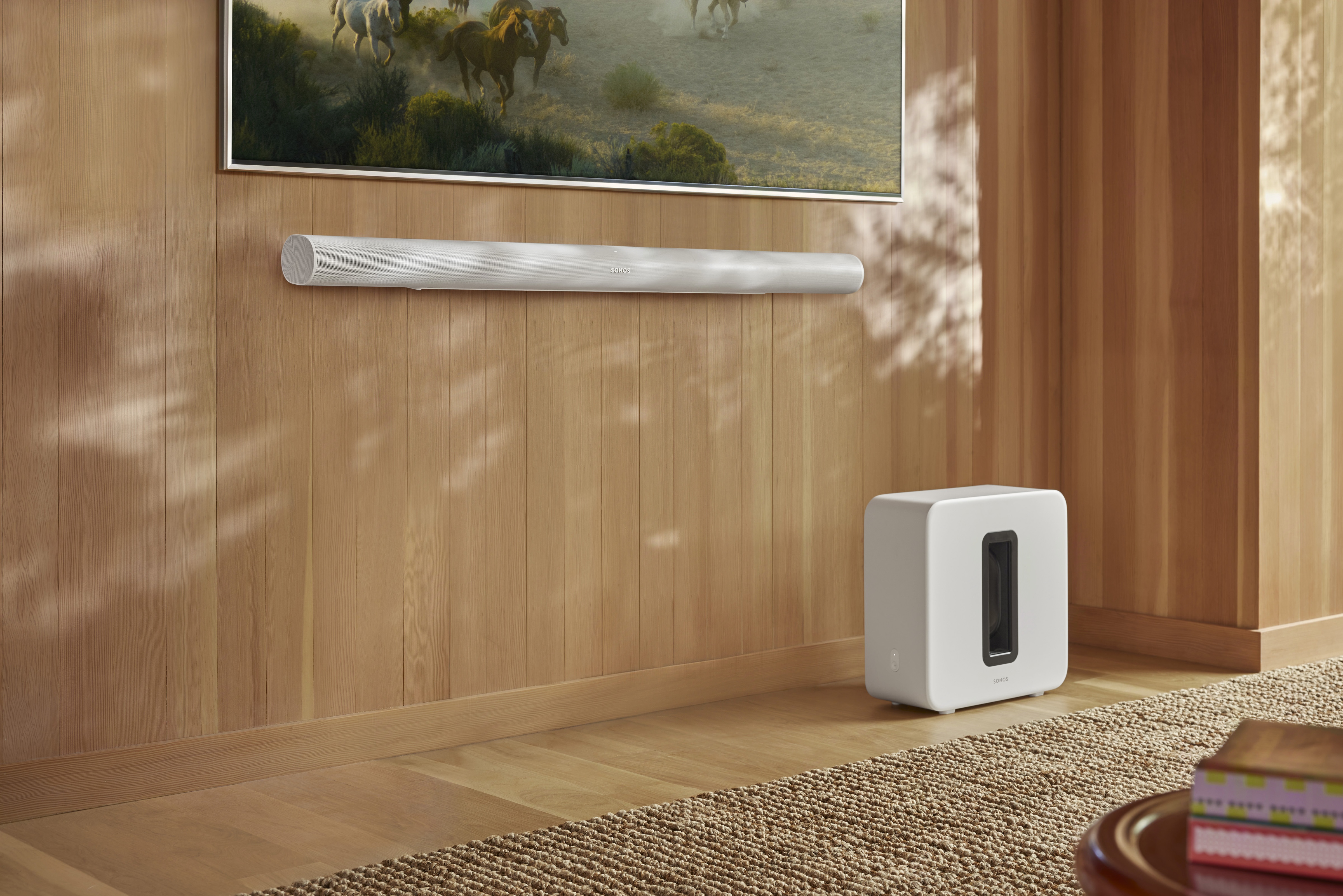
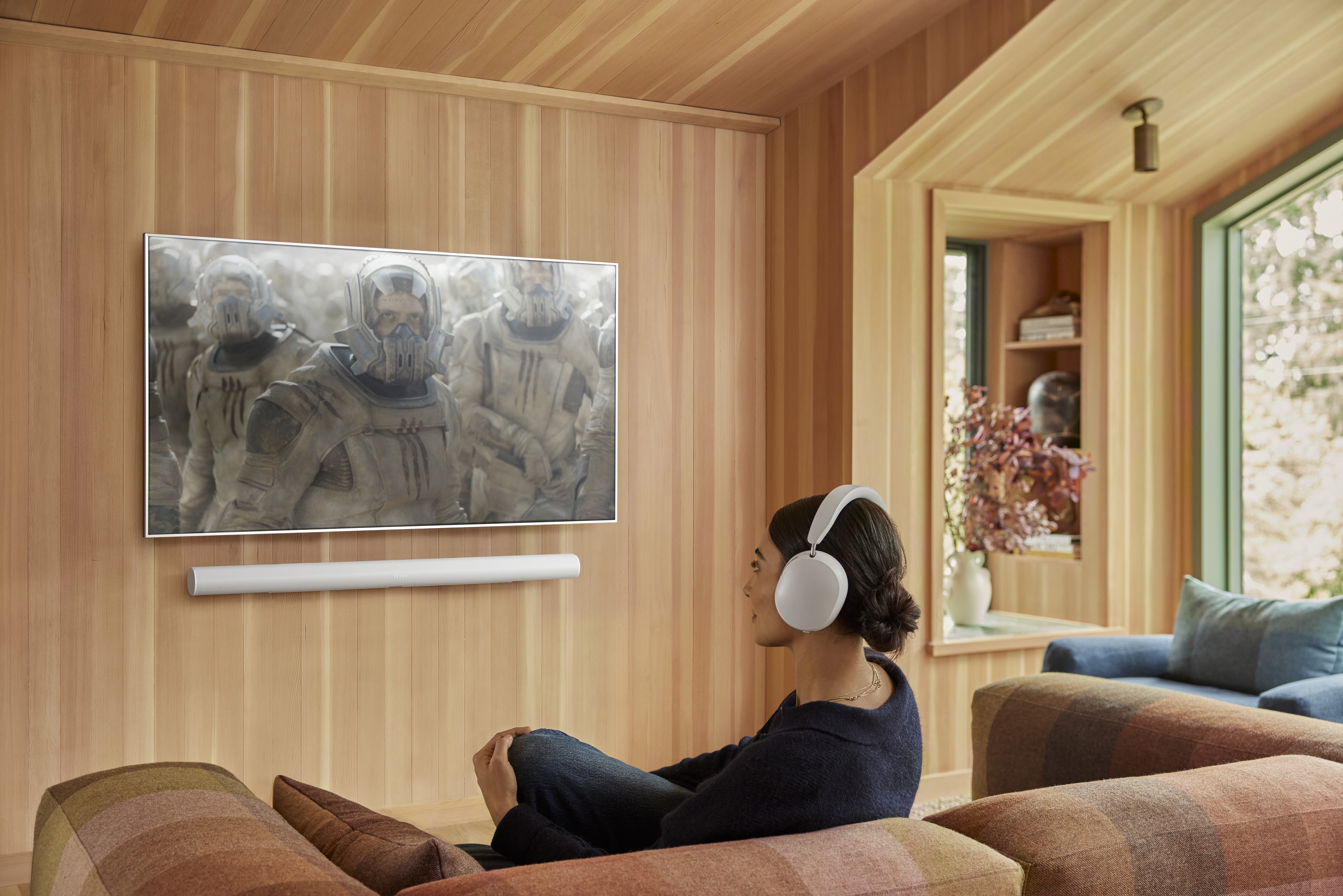
The primary TV room should always be planned first. TV audio has specific requirements that music alone does not: dialogue clarity, left/right separation, and consistent sound at lower volumes.
- Choose a soundbar that matches the size of the room, not the size of the TV.
- Prioritise clear speech over maximum bass or volume.
- Accept that a single speaker, however good, is rarely ideal for TV audio.
Once this room works well for TV, everything else becomes easier.
After placement, run Trueplay tuning for clearer dialogue.
2. Decide how important music really is in the TV room
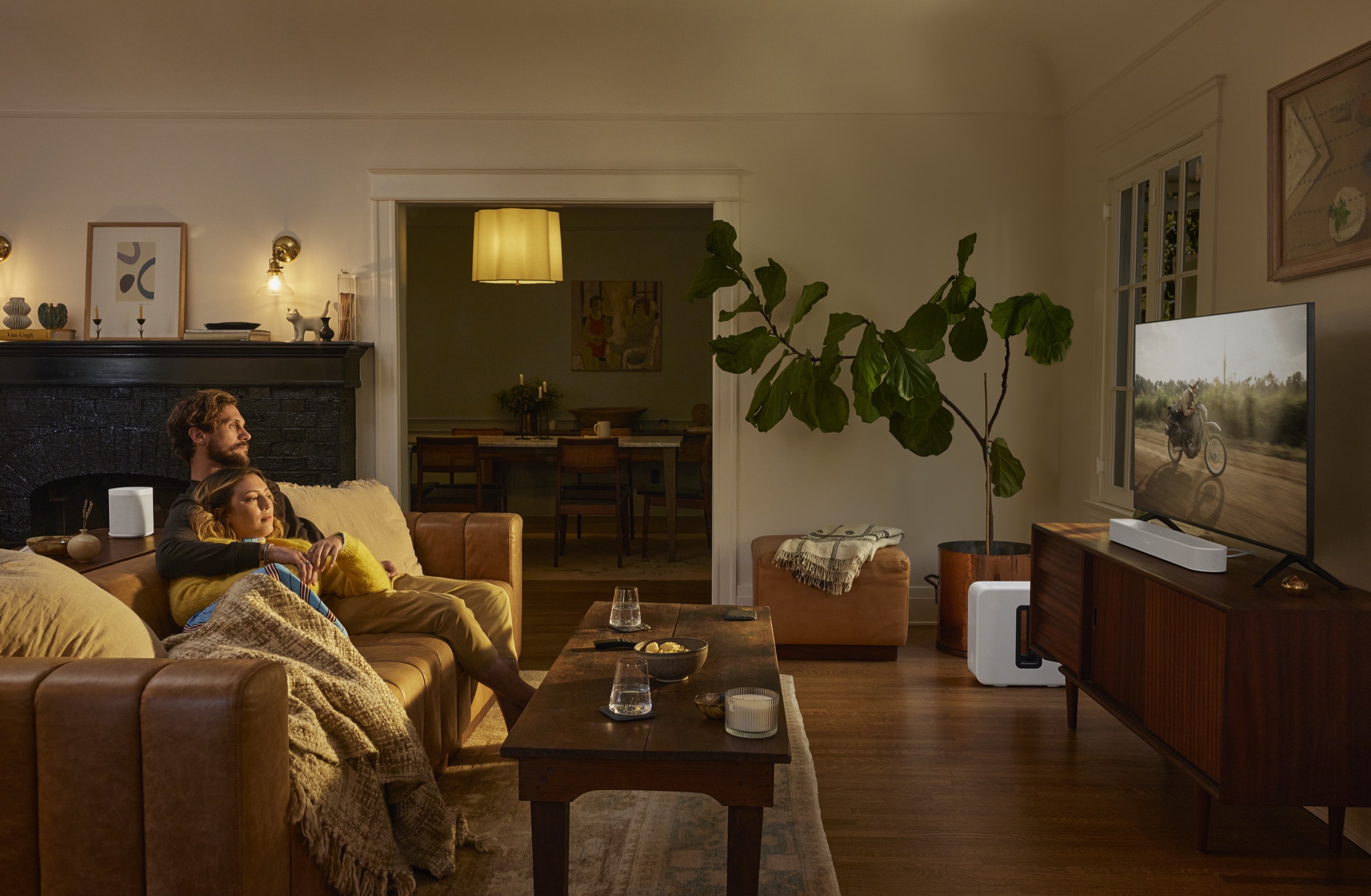
Not every TV room needs to be a great music room. This sounds obvious, but many systems are compromised by trying to make one space do everything.
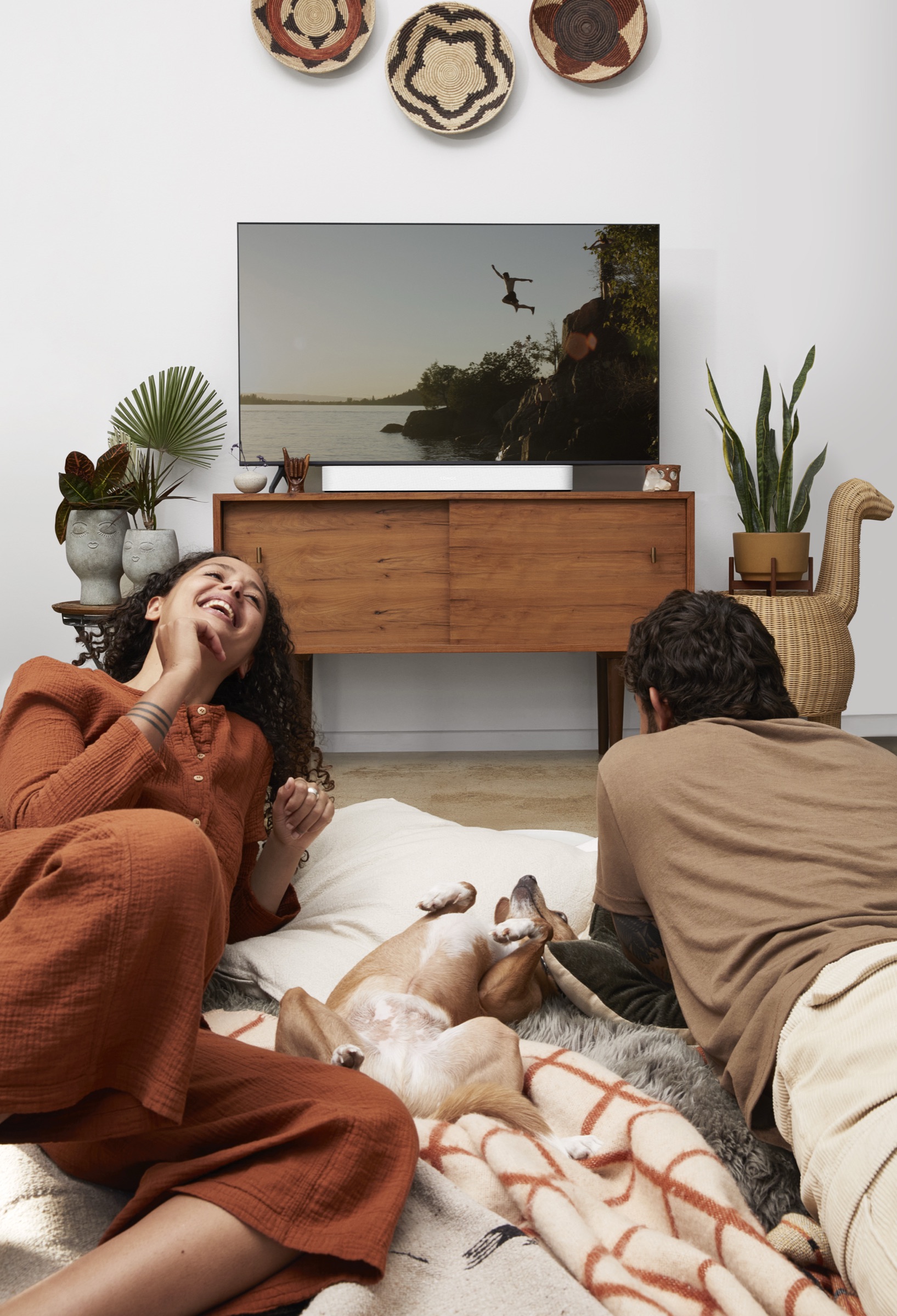
- If the TV room is mainly for films and series, optimise for cinema first.
- If music listening is frequent and intentional, consider whether additional speakers make sense.
- Be honest about how often music is played there compared to other rooms.
For many homes, the TV room is not where music matters most, and that’s fine.
3. Build music-first rooms separately
Kitchens, offices, and open-plan living areas are often where music is used most. These spaces benefit from different decisions than TV rooms.
- Prioritise coverage and balance over pinpoint stereo imaging.
- Consider stereo pairs in rooms where music is actively enjoyed.
- Don’t assume bigger speakers are better, room size and placement matter more.
Treat these rooms as independent zones that happen to connect, not extensions of the TV setup.
4. Avoid forcing surround sound everywhere
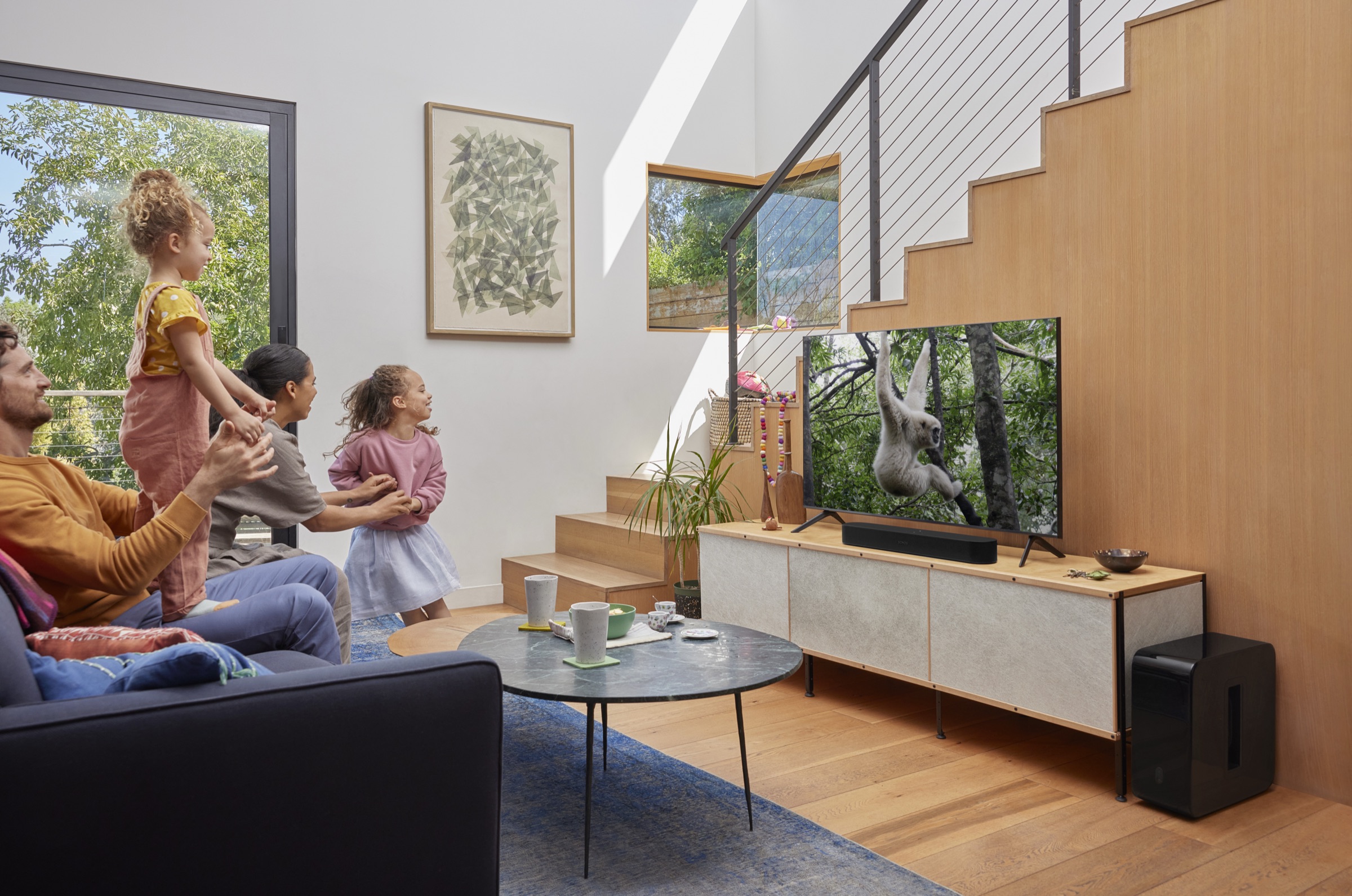
Surround sound can be excellent in the right context, but it is not a requirement for a good Sonos system. In many homes, it adds complexity without proportional benefit.
- Surrounds make the most sense in dedicated viewing spaces.
- Open-plan or shared rooms often benefit more from simplicity.
- Rear speakers placed poorly can harm music performance.
A well-chosen soundbar setup is often enough.
5. Think about volume, neighbours, and daily habits
TV and music are used at different times of day, often at very different volumes. Your system should work well when it’s quiet, not just when it’s loud.
- Late-night TV benefits from clarity more than impact.
- Shared walls change what makes sense for bass-heavy setups.
- Background music should never feel overwhelming.
Designing for realistic use prevents disappointment later.
6. Keep TV and music linked, not dependent
The strength of Sonos is whole-home audio, but that doesn’t mean every room should behave the same way.
- TV rooms can join music playback when needed.
- Music-first rooms should not rely on the TV being on.
- Flexibility matters more than perfect symmetry.
The best systems feel effortless because they respect these differences.
Planning a Sonos system for both TV and music isn’t about finding a single perfect setup. It’s about understanding which rooms anchor the system, and which rooms support it.
If you want help turning those decisions into a clear, room-by-room recommendation, the Sonos Properly planner can do that in minutes, without guesswork or upselling.
Ready for a plan you can trust?
Build a tailored Sonos setup in minutes. No guesswork, no overspend.
Plan your Sonos system with confidence
Use the Sonos Properly planner to build a system that fits your rooms and the way you listen.
- A tailored system plan that fits your rooms and listening style.
- A value-led alternative that respects budget without cutting corners.
- An Ultimate option for maximum impact and future flexibility.